

10 Gentle Ways to Use AI When You’re Mentally Exhausted
AI does not have to push you to work faster or fit more into your day. Used gently, it can help you sort your thoughts, reduce small decisions, and create breathing room when your mind feels completely full.

These gentle ways to use AI when mentally exhausted are for the days when the hardest part is not completing the task. It is deciding where to begin, remembering every detail, and finding enough mental energy to arrange everything in the right order.
Perhaps you have just finished a long shift. The house feels loud, dinner has not been planned, messages are waiting, and someone needs something from you before you have even put your bag down.
Or perhaps nothing dramatic happened. You are simply tired of making decisions. What should everyone eat? Which task matters most? How do you answer that message without sounding irritated? What needs to happen tonight, and what can safely wait?
In moments like these, AI can serve as a quiet organizing assistant. You give it the scattered pile of thoughts. It helps you turn that pile into a short list, a first draft, or a manageable sequence. You still decide what feels right.
AI does not always need to help you do more. Sometimes its most helpful job is helping you hold less.
Why AI can feel helpful when your brain is tired
Mental exhaustion makes ordinary choices feel unusually expensive. Even a small task can require several hidden decisions before you begin it.
“Make dinner” may actually mean choosing a meal, checking ingredients, considering everyone’s preferences, estimating the preparation time, and deciding whether you can tolerate the cleanup.
“Answer the email” may mean remembering the situation, choosing the right tone, checking your schedule, finding the correct words, and worrying about how the other person will interpret them.
AI can reduce some of that starting friction by creating an imperfect first version. Editing a short starting point often takes less energy than facing a completely blank page.
You do not need elaborate instructions. A useful request can be as simple as: “I am tired. Give me three small options and put the easiest one first.”
10 gentle ways to use AI when mentally exhausted
Choose the one idea that matches what feels heavy today. You do not need to try all ten or turn this into another routine to maintain.
Turn a messy brain dump into three next steps
When everything feels equally important, write or dictate the whole unorganized list. Include appointments, errands, work tasks, household reminders, and the tiny unfinished thought your brain keeps replaying.
Ask AI to group similar items and identify only three realistic next steps. You are not creating a perfect master plan. You are giving your thoughts somewhere else to sit.
“I am mentally exhausted. Organize this brain dump into: do today, do later, and release for now. Then give me only three gentle next steps. Keep each step under 15 minutes: [paste your list].”
Find the bare-minimum version of your day
On low-energy days, a full schedule can feel like proof that you are already behind. Ask AI to separate what truly needs attention from what is optional, flexible, or allowed to wait.
This can be especially useful after work, during a demanding parenting week, or when your body is asking for a slower pace. A bare-minimum plan is not a failed version of a productive day. It is energy-aware planning.
“Here is everything I think I need to do today: [list]. My energy is low. Create a bare-minimum plan with one essential task, one care task, and one thing I can postpone without guilt.”
Make dinner from what you already have
Dinner can become a nightly decision marathon. You have to choose a meal, check ingredients, consider everyone’s preferences, and somehow avoid leaving yourself with six pans to wash.
Give AI a short list of what is already in your refrigerator, freezer, or pantry. Request only two or three ideas. Include allergies, dislikes, your available time, and how much cleanup you can tolerate.
“I have [ingredients]. Suggest three easy dinners that take 25 minutes or less and use no more than one pan. Avoid [allergies or dislikes]. Put the lowest-effort option first.”
Build a schedule that includes breathing room
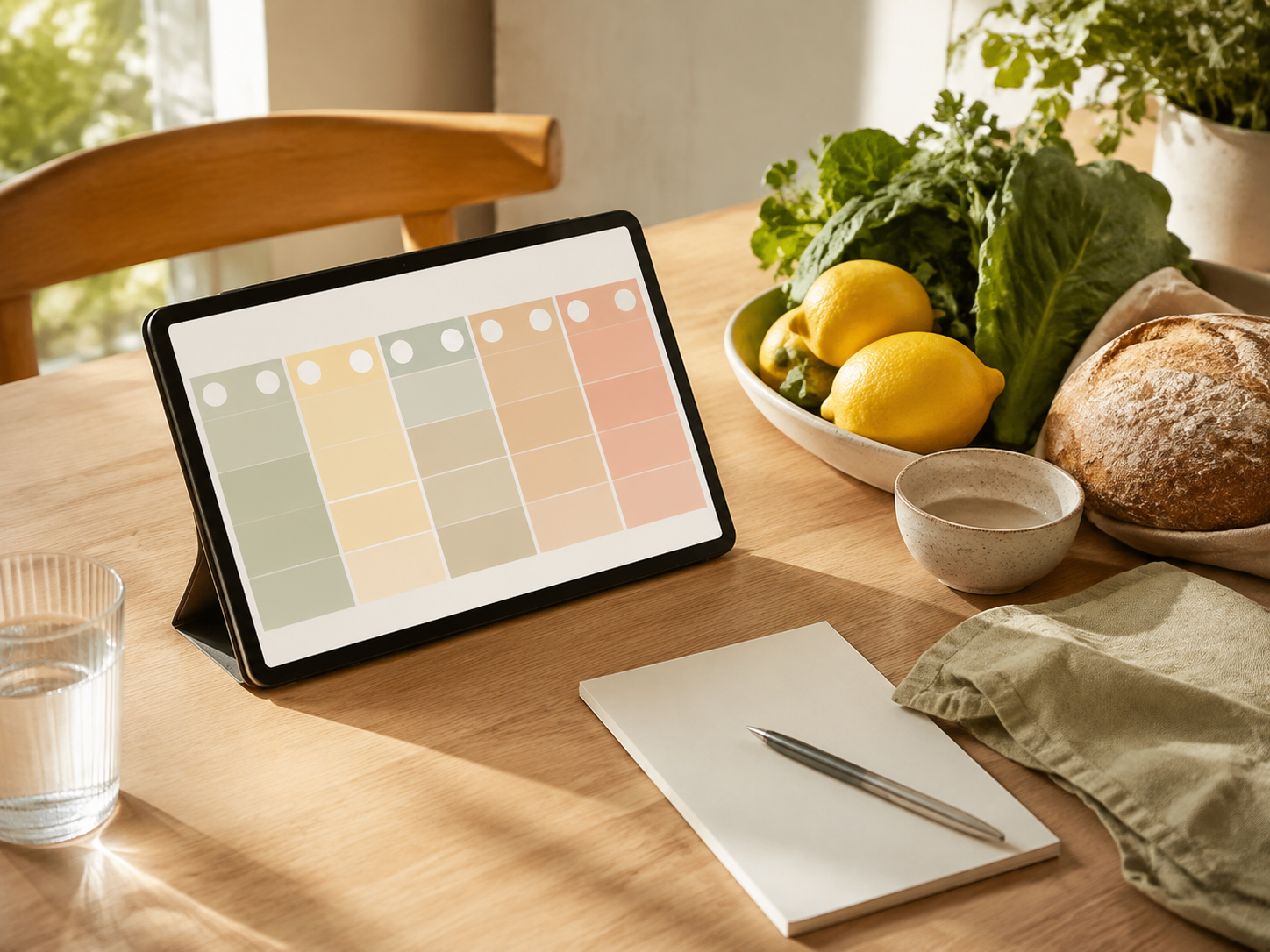
A tired mind often creates one of two schedules: impossibly ambitious or completely blank. AI can help you create something more realistic in the middle.
Share your fixed commitments, the time you have available, and your current energy level. Ask it to include meals, transitions, short breaks, and a buffer for real life.
If the first plan still feels crowded, tell it: “Remove 30 percent and give me more space.” You are allowed to edit the plan until it feels humane.
“Create a gentle plan from [start time] to [end time]. My fixed commitments are [list]. Include meals, two short pauses, transition time, and one 30-minute buffer. Do not fill every hour.”
Draft the message you keep avoiding
Sometimes you know exactly what you mean, but you cannot find the energy to make it sound calm, clear, and kind. AI can help create a first draft for a text, email, follow-up, rescheduling note, or respectful boundary.
Leave out names and identifying details. Afterward, read the message aloud, remove anything that does not sound like you, and confirm every date or commitment before sending it.
“Draft a warm but direct message that says [main point]. Keep it under 100 words. I want to sound respectful without overexplaining. Leave names, dates, and private details as placeholders.”
Narrow a decision to three realistic choices
Decision fatigue becomes heavier when every possible option receives equal attention. Instead of requesting an endless list, ask AI to compare only three choices using the factors that matter most to you.
Those factors may include cost, time, effort, comfort, flexibility, or how easy the decision will be to maintain. Use the comparison to clarify your thinking—not to hand over a high-stakes decision.
“Help me narrow this decision: [decision]. My three priorities are [priorities]. Give me three realistic options with one benefit, one drawback, and the effort each requires. Do not choose for me.”
Create a 10-minute home reset
“Clean the house” is too large for a depleted brain. “Collect the cups, clear one chair, and put loose items into a basket” is easier to enter.
Tell AI which room is bothering you and ask for a short sequence that will create visible relief. The goal is not deep cleaning. It is restoring one small area so your eyes and nervous system have somewhere calmer to land.
For more support, read Lifvyt’s guide to resetting your home when it feels messy and overwhelming .
“My [room] feels overwhelming. Give me a 10-minute reset with five steps in the order that will create the most visible calm. No deep cleaning, organizing projects, or buying anything.”

Turn scattered needs into one shopping list
Household supplies, lunch ingredients, toiletries, snacks, and small reminders often appear in your mind at completely different times.
Place the scattered items into one message and ask AI to organize them by store section. It can also remove duplicates and mark items you may want to check at home before buying.
Review the finished list yourself. AI cannot see your cupboards, your budget, your allergies, or the cereal someone suddenly decided not to eat anymore.
“Organize this shopping list by produce, pantry, refrigerated, frozen, household, and personal care. Remove duplicates and place a question mark beside anything I should check at home first: [paste list].”
Give tomorrow a quiet parking place
A tired body can lie down while the mind continues working the late shift. Unfinished tasks, conversations, appointments, and small worries begin circling as soon as the room becomes quiet.
Before bed, give AI the thoughts that keep returning and ask it to create a short note for tomorrow. Then close the conversation and put the phone down.
This is not an invitation to plan until midnight. It is a closing ritual. You can pair it with Lifvyt’s evening rituals for unwinding a wired mind .
“Turn these unfinished thoughts into a calm note for tomorrow. Give me no more than three priorities and one reminder that can wait. End with a one-sentence closing cue: [brain dump].”
Ask for a softer way to begin
There are times when you do not need a complete plan. You only need an entry point.
Describe your current capacity without criticizing yourself. You may feel foggy, overstimulated, discouraged, physically tired, or simply done for the day.
AI cannot feel what is happening inside your body, so treat its suggestions as a menu—not a command. Choose the option that feels supportive and ignore the rest.
“I feel [tired, scattered, overstimulated, discouraged, or stuck]. Do not give me a complete routine. Offer three gentle starting actions that take less than five minutes. Include one option that is simply rest.”
How to keep AI from becoming another source of pressure
AI is most helpful when it reduces choices. It becomes less helpful when you spend an hour perfecting prompts, comparing ten different answers, or trying to optimize every ordinary part of your life.
You do not need to become an expert prompt writer. You only need to explain what feels difficult and describe the kind of answer that would make it lighter.
AI does not need to become part of every routine. Some days, writing on paper may feel better. Some decisions need a conversation with someone who knows you. Sometimes the most intelligent response to mental exhaustion is food, water, quiet, sleep, medical care, or help from another human.
Gentle boundaries for using AI safely
A tool that lightens your mental load should not create a new privacy, accuracy, or emotional burden. Keep these simple boundaries in place.
Do not enter patient information, employer-confidential material, passwords, account numbers, private documents, children’s identifying information, or another person’s personal details into a general AI tool.
- Check important information. AI can produce answers that sound confident but are incomplete, outdated, or incorrect. Verify health, medication, legal, financial, travel, food-safety, and workplace information with a reliable professional or source.
- Read every draft before using it. Confirm names, dates, prices, instructions, appointments, and promises before sending or acting on an AI-generated response.
- Keep your own judgment involved. AI can organize information, but it does not know your complete health history, family circumstances, values, workplace, or emotional state.
- Do not use AI for emergency support. Contact an appropriate professional or emergency service when you need urgent medical, mental-health, safety, or crisis assistance.
- Notice how the tool makes you feel. If using it leads to more scrolling, comparing, overthinking, or pressure, close it. Support should feel supportive.
If mental exhaustion continues, interferes with daily life, or comes with significant mood, sleep, or physical changes, consider speaking with a qualified healthcare professional. The National Institute of Mental Health also offers general information about caring for your mental health and recognizing when additional help may be appropriate.
A simple AI prompt for low-energy days
When you are too tired to write detailed instructions, use this four-part formula:
“I need help with [one thing]. My energy is [low, medium, or steady]. Give me [number] options in a [simple format]. Please avoid [anything that would make this harder].”
For example: “I need help planning dinner. My energy is low. Give me three options in a short list. Please avoid complicated preparation and lots of cleanup.”
Another example: “I need help beginning my evening. My energy is low. Give me three five-minute options. Please avoid a long routine or anything that requires leaving the house.”
Clear enough. Gentle enough. Done.
AI should create space—not fill every space
The most useful gentle ways to use AI when mentally exhausted are rarely dramatic. They help you answer one message, choose one meal, clear one surface, or stop rehearsing tomorrow’s list when your body is ready for sleep.
You do not always need a smarter way to push through everything. Sometimes you only need a softer way to decide what happens next—and what does not need to happen today.
Explore the Lifvyt CollectionEducational note: This article provides general ideas for using AI as an organizational tool. It is not medical, mental-health, legal, or financial advice. AI should not replace qualified professional care, emergency support, or human judgment.
The Sunday Soft Reset
A calmer start to your week.
Get Lifvyt’s weekly collection of gentle wellness reads, nervous-system resets and practical tools — plus the free 5-Minute Nervous System Reset Guide.
By signing up, you’ll receive the free guide and one gentle Lifvyt email each week. Unsubscribe anytime.